I always keep Oneraser set to the eraser end of my stylus, so I never interrupt the flow by stopping to look for different presets in mid-drawing. The range of action allows almost every type of quick cleanup I need.
Here’s a bit of a demo.
Step one: a poor drawing
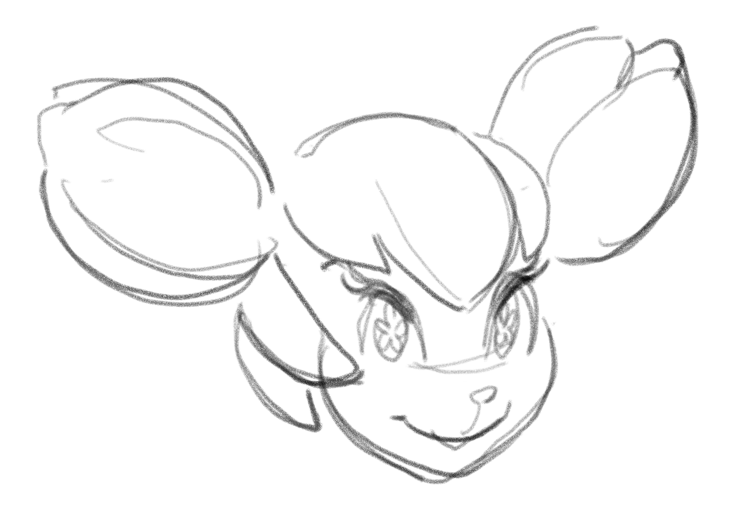
I begin with a drawing of Kiki, the cyber squirrel. Her face isn’t cyber squirrel cute and adorable, though. The hair unit looks all right separately, but not with that face.
Step two: kneaded eraser action
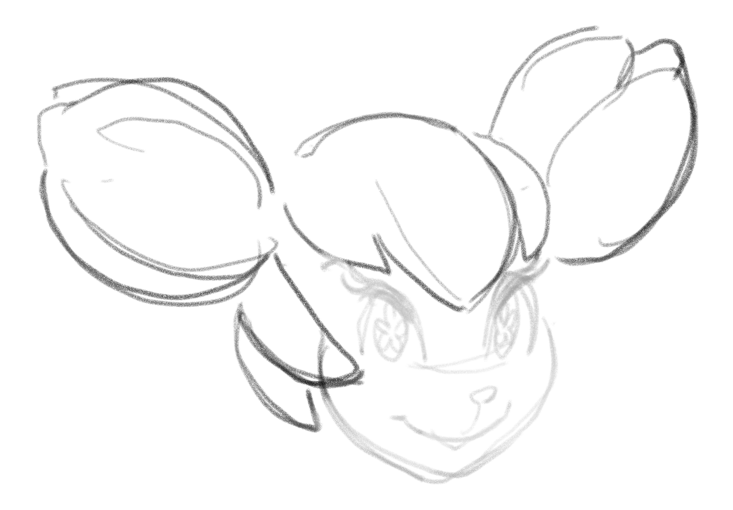
I lightly apply Oneraser to reduce the bad drawing, but not eliminate it. I kind of want to use it as a guide for the redrawing.
Step three: redraw
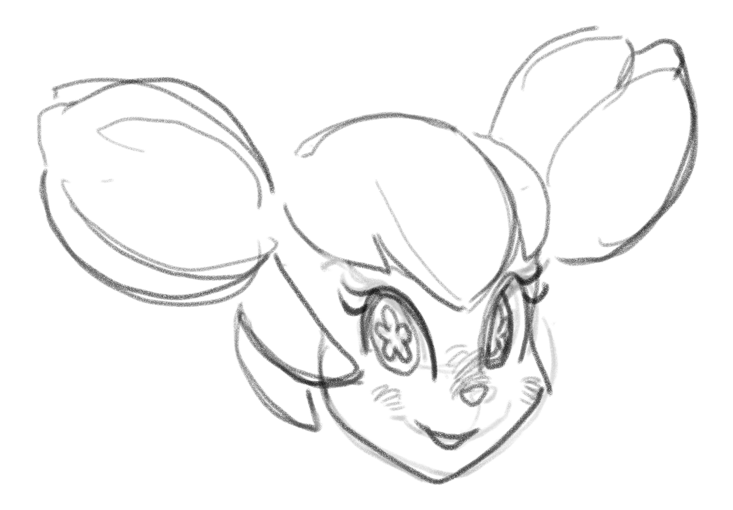
Much happier! Her face isn’t so puffy, even if squirrels do store nuts in their cheeks. Of course besides nuts, a cyber squirrel might also carry bolts and washers. You know…cyber…machine…nuts and bolts…oh, never mind!
Step four: vinyl eraser action
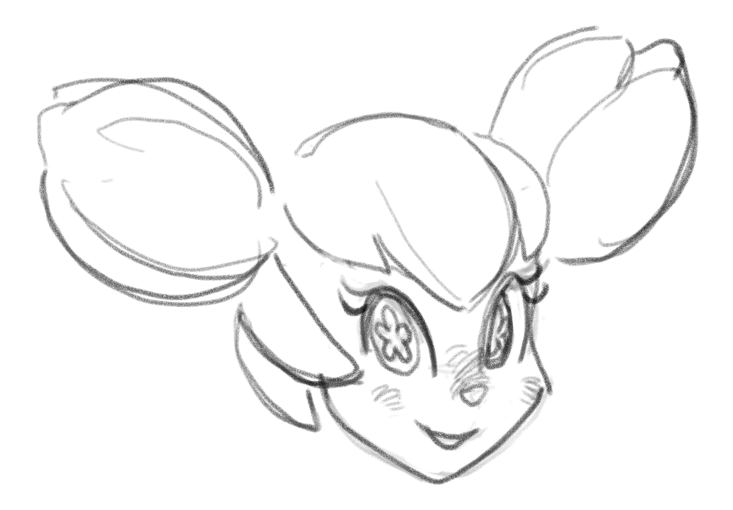
Anyway, even though it’s not entirely necessary, I apply pressure in key spots in order to clean up the drawing some. There’s still more drawing and inking to do, but the Oneraser helped me salvage a wreck, and without switching brushes.
 Kurio Art